
Factory reset
Updated onJune 25, 2026
Aidlab 2 doesn't have the purple recovery mode known from Aidlab. If it behaves unusually, start with the simple steps:
- Turn Aidlab 2 off and on again.
- Charge it.
- Connect it to the app and install a firmware update if one is available.
If a new firmware version fails to start, Aidlab 2 returns to the previous version by itself. A new version is kept only after Aidlab 2 connects to the app following the update. If it turns off before that, it also returns to the previous version.
Factory reset
If the problem continues, especially after a firmware update, you can reset Aidlab 2 to factory settings. The reset:
- clears the settings stored in the device,
- removes installed firmware updates and starts the firmware Aidlab 2 was delivered with; the app will offer the update again,
- keeps the recordings stored in Aidlab 2's memory.
The reset only runs when Aidlab 2 restarts. Turning it on with the button from the off state doesn't start it. The easiest way to restart Aidlab 2 is to connect it to power while it's on:
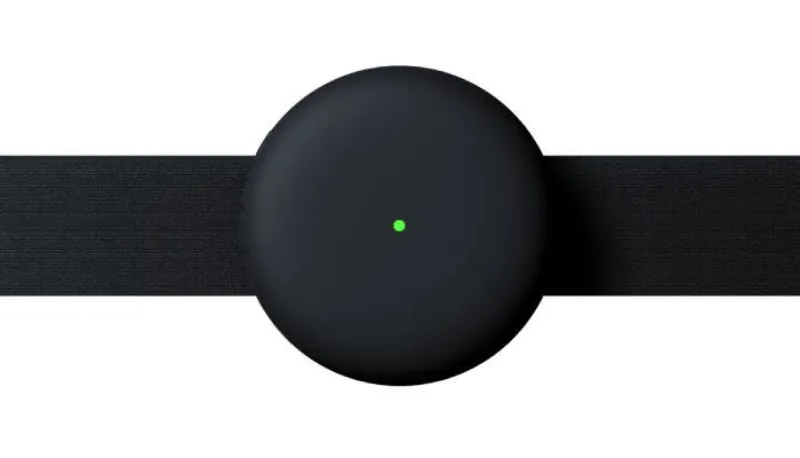
- Take off Aidlab 2 and turn it on. Wait until the LED starts pulsing.
- Press and hold the power button. Don't release it.
- While holding the button, connect the USB-C cable to a working power source. Aidlab 2 restarts.
- Keep holding the button for about 15 seconds after connecting the cable, then release it.
The button must be held for at least 10 seconds after the restart. If you release it too early, Aidlab 2 restarts normally and nothing is reset. Aidlab 2 doesn't show a separate light for the reset. When it's done, the LED shows a steady charging light.
After the reset, disconnect the cable, connect Aidlab 2 to the app, install the firmware update the app offers and synchronize your data as usual.
If the reset doesn't help, contact support. Describe what the LED does and what happened before the problem appeared.