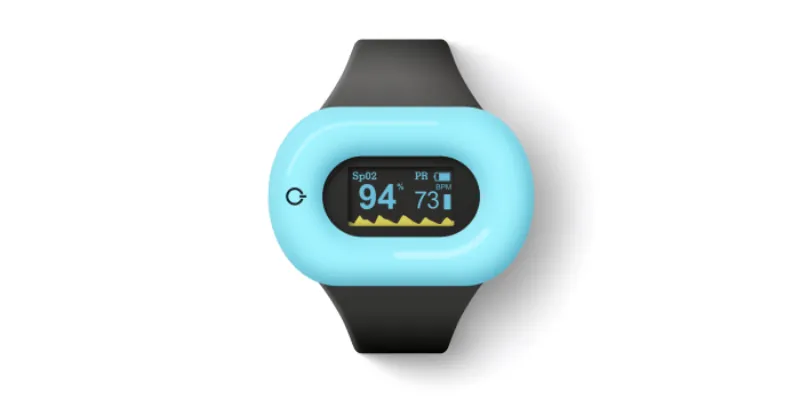


Połącz Aidlab Unity SDK 2.5.0 z projektem Unity 6 na Androidzie. Android korzysta teraz z tego samego Aidlab.AidlabSDK, sygnałów i API synchronizacji co pozostałe platformy Unity.
In this tutorial, you’ll connect an Android phone or tablet to Aidlab using Unity. By the end, a cube in your scene will move with the live respiration waveform.
Updated in July 2026 for Aidlab Unity SDK 2.5.0, Unity 6.5, and current Android Bluetooth permissions.
This guide assumes that you already know the Unity editor basics. If you do not, start with Unity's getting started pathway.
Set up the project
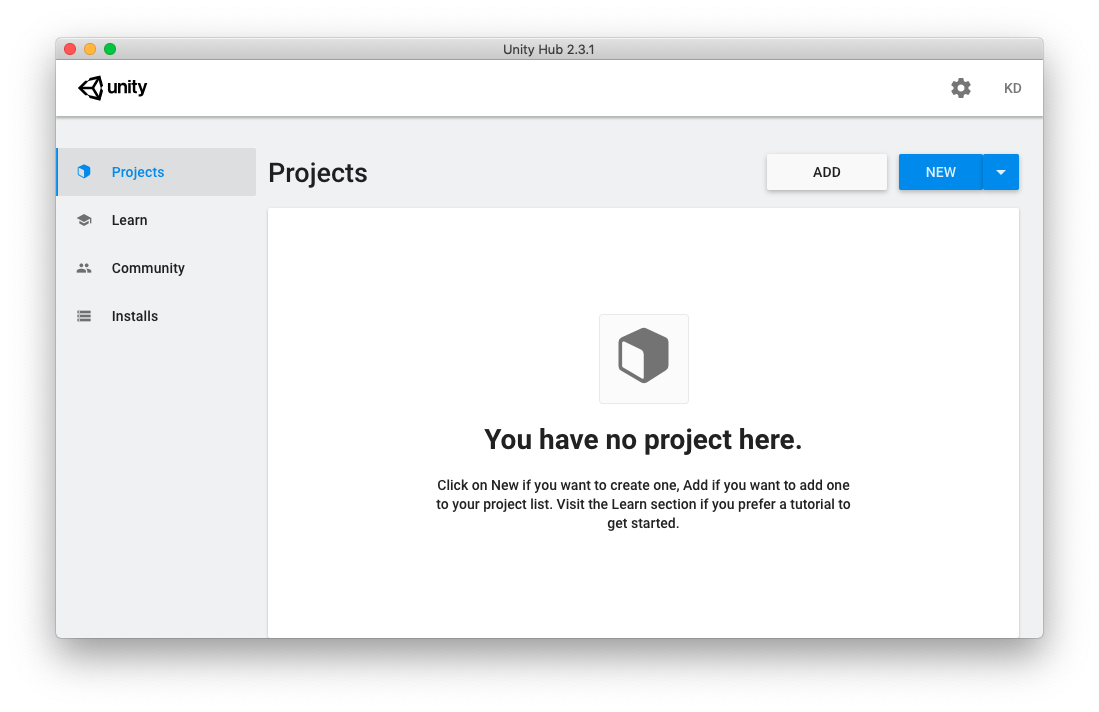
1. Create a new Unity project:
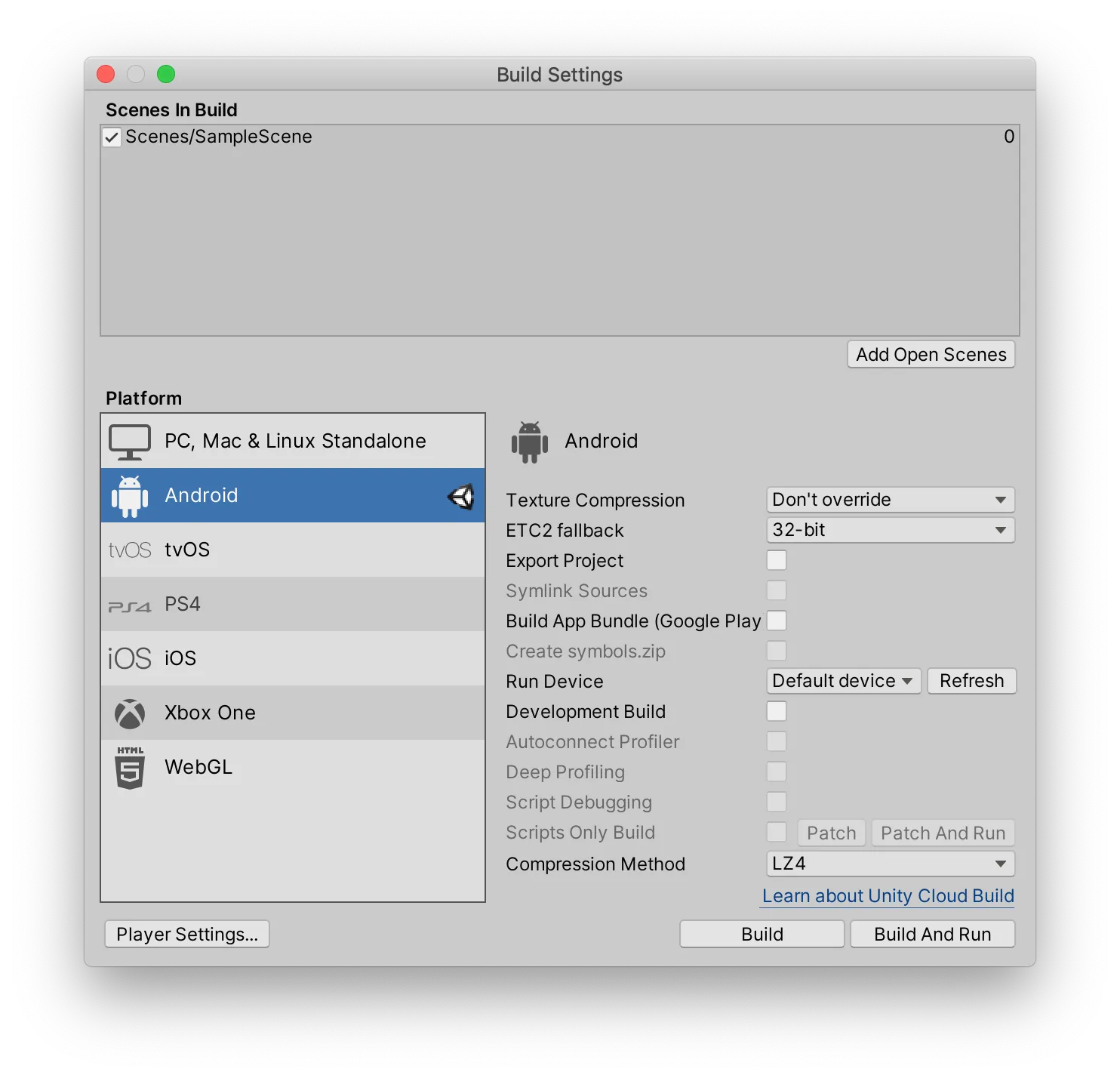
2. Create an empty scene, add it to the build profile, and switch the target platform to Android:
3. Download Aidlab Unity SDK 2.5.0, then select Assets → Import Package → Custom Package... and import all files.
4. Create a Cube, add the AidlabRespiration script shown below, and attach it to the Main Camera. The scene should look like this:
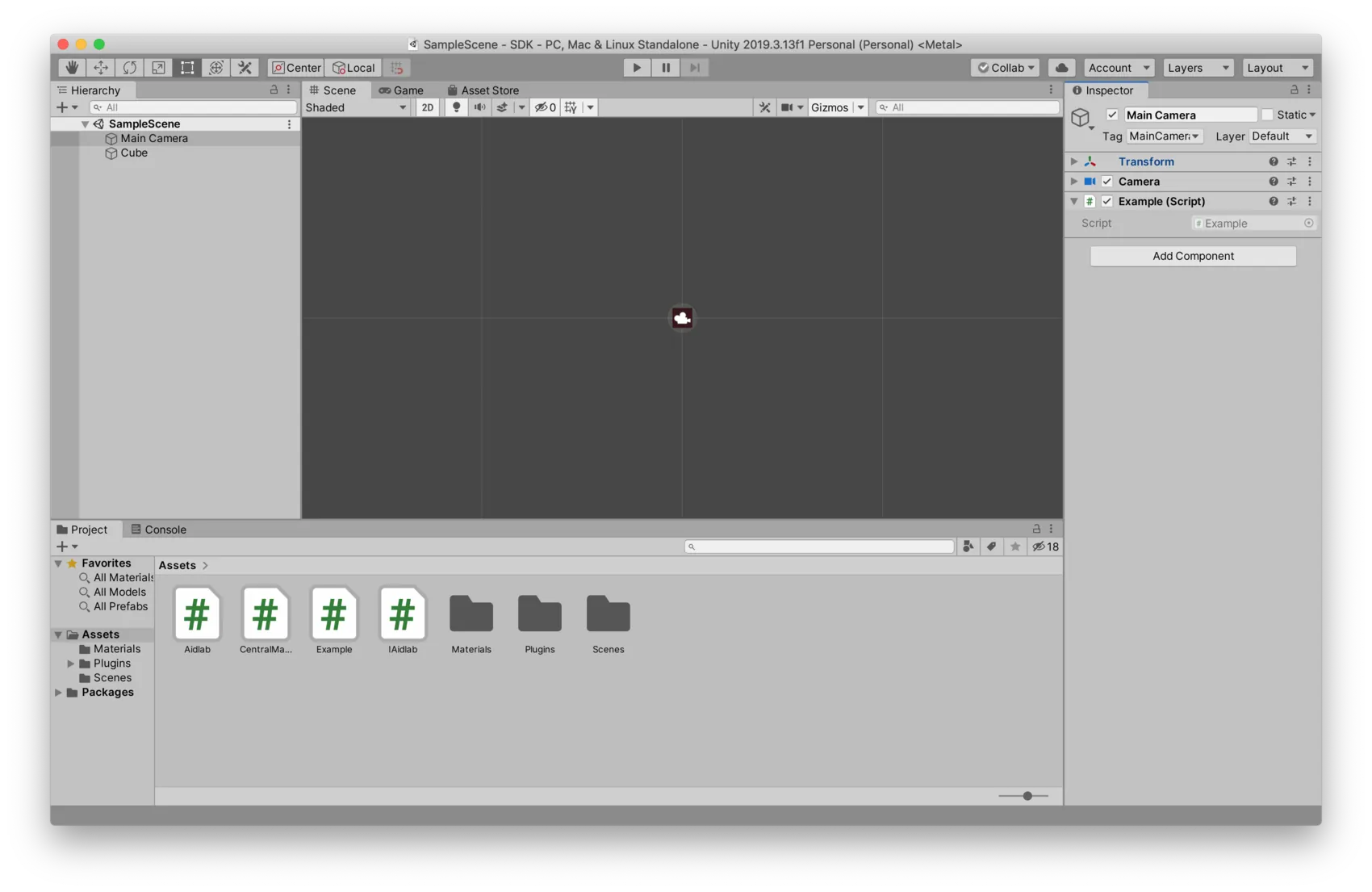
5. Set Project Settings → Player → Android → Other Settings → Minimum API Level to Android 9 (API 28) or newer:

6. Connect your Android device, select Build and Run, and grant the Bluetooth permission shown by Android. On Android 11 and older, the operating system asks for location permission because BLE scanning used that permission model.
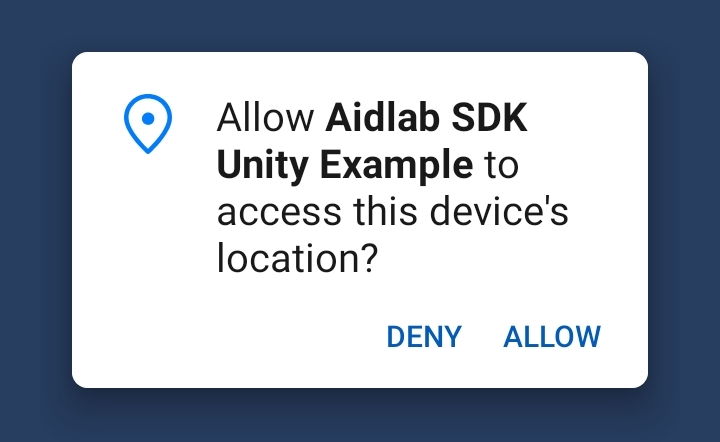
7. Make sure Bluetooth is enabled, turn Aidlab on, and wear it. AidlabSDK scans after permission is granted and connects to the requested device name.
One API on every Unity platform
Android uses the same Aidlab.AidlabSDK entry point and signal delegates as iOS, macOS, and Windows. The Android backend handles its platform permission and Java/Kotlin bridge internally:
using Aidlab;
using UnityEngine;

public sealed class AidlabRespiration : MonoBehaviour
{
    private AidlabSDK sdk;
    private float currentRespirationSample;

    private void Start()
    {
        AidlabSDK.init("Aidlab");
        sdk = FindAnyObjectByType<AidlabSDK>();
        sdk.SetCollectSignals(
            new[] { Signal.Respiration },
            System.Array.Empty<Signal>()
        );
        AidlabSDK.aidlabDelegate.respiration.Subscribe(OnRespiration);
    }

    private void OnDestroy()
    {
        AidlabSDK.aidlabDelegate.respiration.Unsubscribe(OnRespiration);
    }

    private void OnRespiration()
    {
        currentRespirationSample = AidlabSDK.aidlabDelegate.respiration.value;
    }

    private void Update()
    {
        var cube = GameObject.Find("Cube");
        if (cube == null)
            return;

        Vector3 position = cube.transform.position;
        position.y = Mathf.Clamp(currentRespirationSample * 10, -4, 4);
        cube.transform.position = position;
    }
}
Android 12 and newer require BLUETOOTH_SCAN and BLUETOOTH_CONNECT. Android 11 and older use fine location permission for BLE discovery. The SDK requests the applicable permission before scanning. The application cannot silently enable Bluetooth, so ask the user to enable it in system settings or the system dialog.
The same delegates expose ECG, skin temperature, motion, heart rate, RR intervals, activity, pressure, EDA, GPS, synchronization progress, and stored samples on all Unity targets. For production code, keep a reference to your scene object instead of calling GameObject.Find every frame, and subscribe to Connected, Disconnected, and ErrorReceived.