
Aidlab 2 does not turn on
Updated onSeptember 8, 2026
If Aidlab 2 does not respond to the power button, start by checking the battery and charging connection.
Check the power source
- Make sure the USB-C connector is dry and the cable is undamaged.
- Connect Aidlab 2 to power. Check for a steady charging light.
- If no light appears, try another USB-C cable and power source.
- After charging, disconnect the cable and turn on Aidlab 2.
While the cable is connected, Aidlab 2 only charges: the button doesn't turn it on and the app can't find it. Disconnect the cable to use it.
What the LED shows
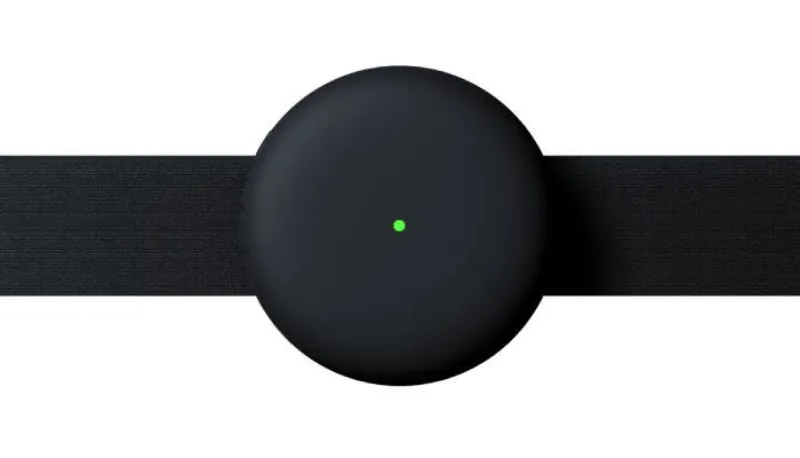
- Brief yellow flashing, then off: the battery is empty. Charge Aidlab 2 and try again.
- Red light, then off: Aidlab 2 could not start. Turn it on again. If it happens again, try a factory reset.
- The LED pulses, then goes off after about a minute: Aidlab 2 turns off after 60 seconds when it is not connected and does not detect body contact. Connect it to the app or put it on.
The light is on, but the app cannot find the device
Check the Bluetooth connection. An illuminated device that is missing from the app may have a connection problem rather than a power problem.
Still not responding?
Contact support. Describe the LED color, whether it pulses, and what happens when you connect the USB-C cable. Tell us the device model: Aidlab 2.