
Turning Aidlab 2 on and off
Updated onSeptember 8, 2026
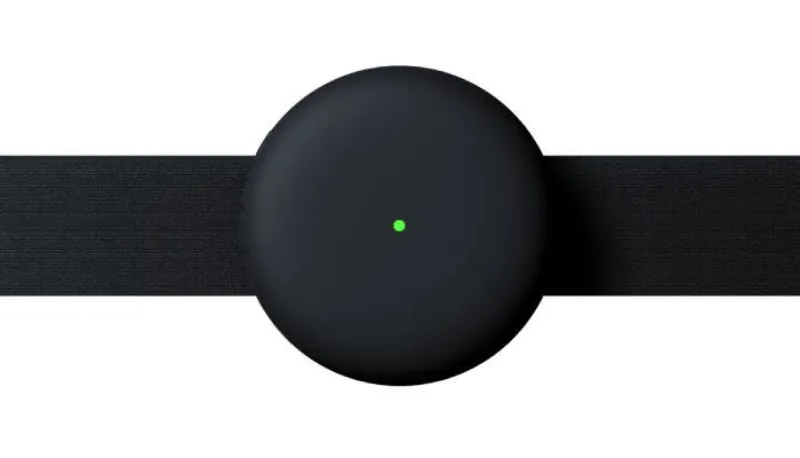
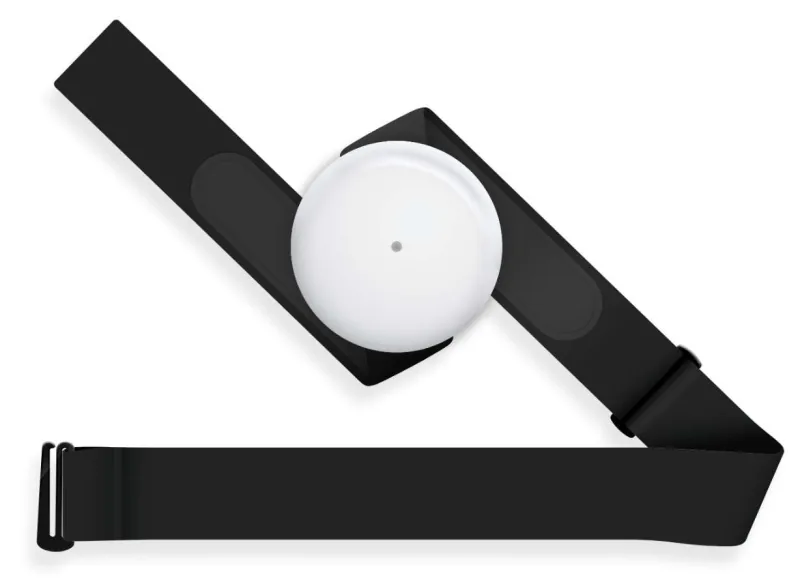
To turn on Aidlab 2, press the power button.

After a moment, the LED starts pulsing. Quick pulsating means there is no active Bluetooth connection, while slow pulsating means Bluetooth is connected. The LED color shows whether Aidlab 2 detects body contact or has low battery. See LED indicator for details.
To turn off Aidlab 2, press and hold the power button for 1 second, then release it.
Aidlab 2 can't be turned on or off while it's connected to power. It only charges then. See Charging.
Pressing the button twice quickly doesn't turn Aidlab 2 off. It marks an event in your recording, and the LED flashes cyan.
Turning off automatically
To conserve battery life, Aidlab 2 automatically powers off after 60 seconds when it is not connected and does not detect body contact.
When the battery is empty, the LED briefly flashes yellow and Aidlab 2 turns off.